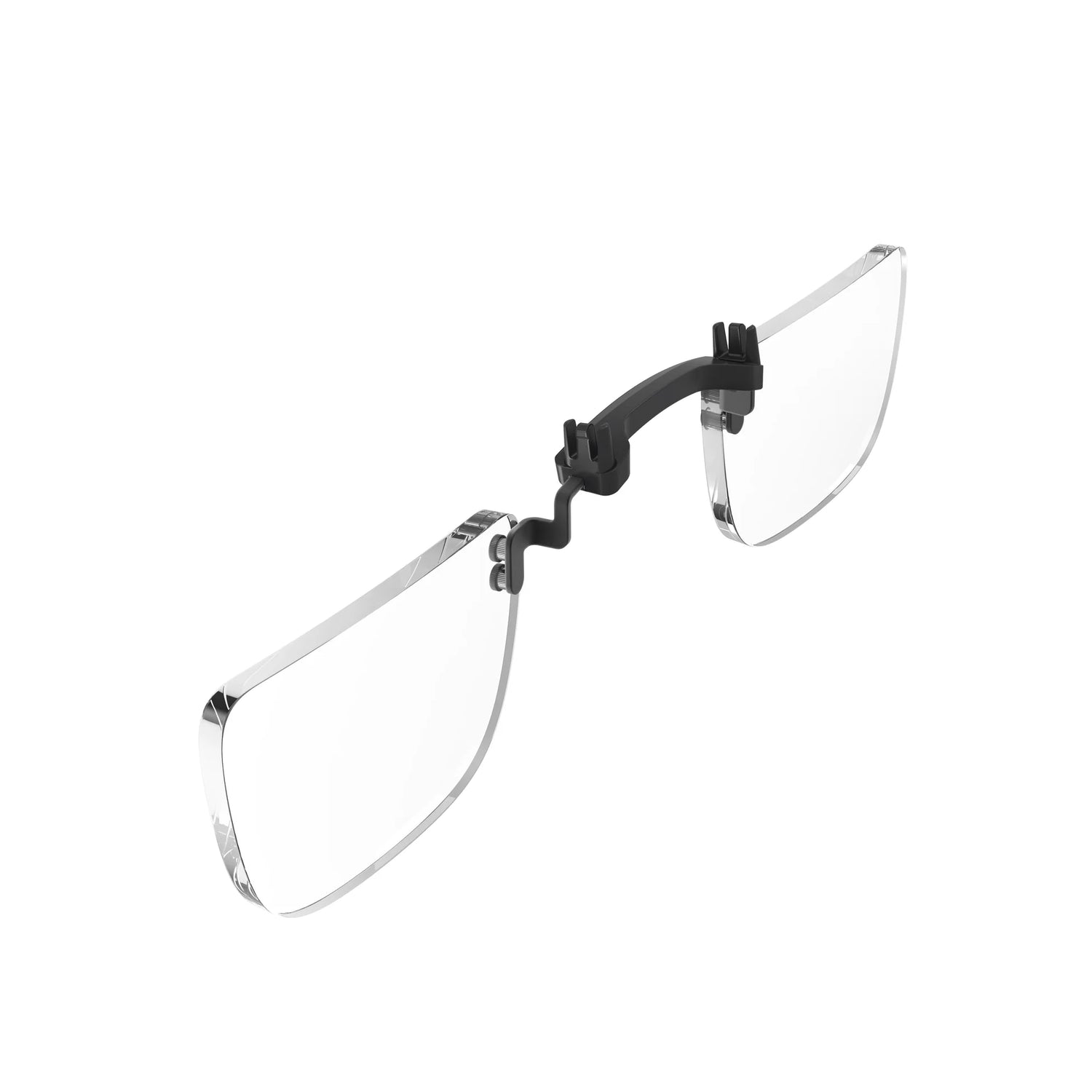

Meta Quest 3, 3S & 2 Prescription Lenses: Complete Buying Guide
Share
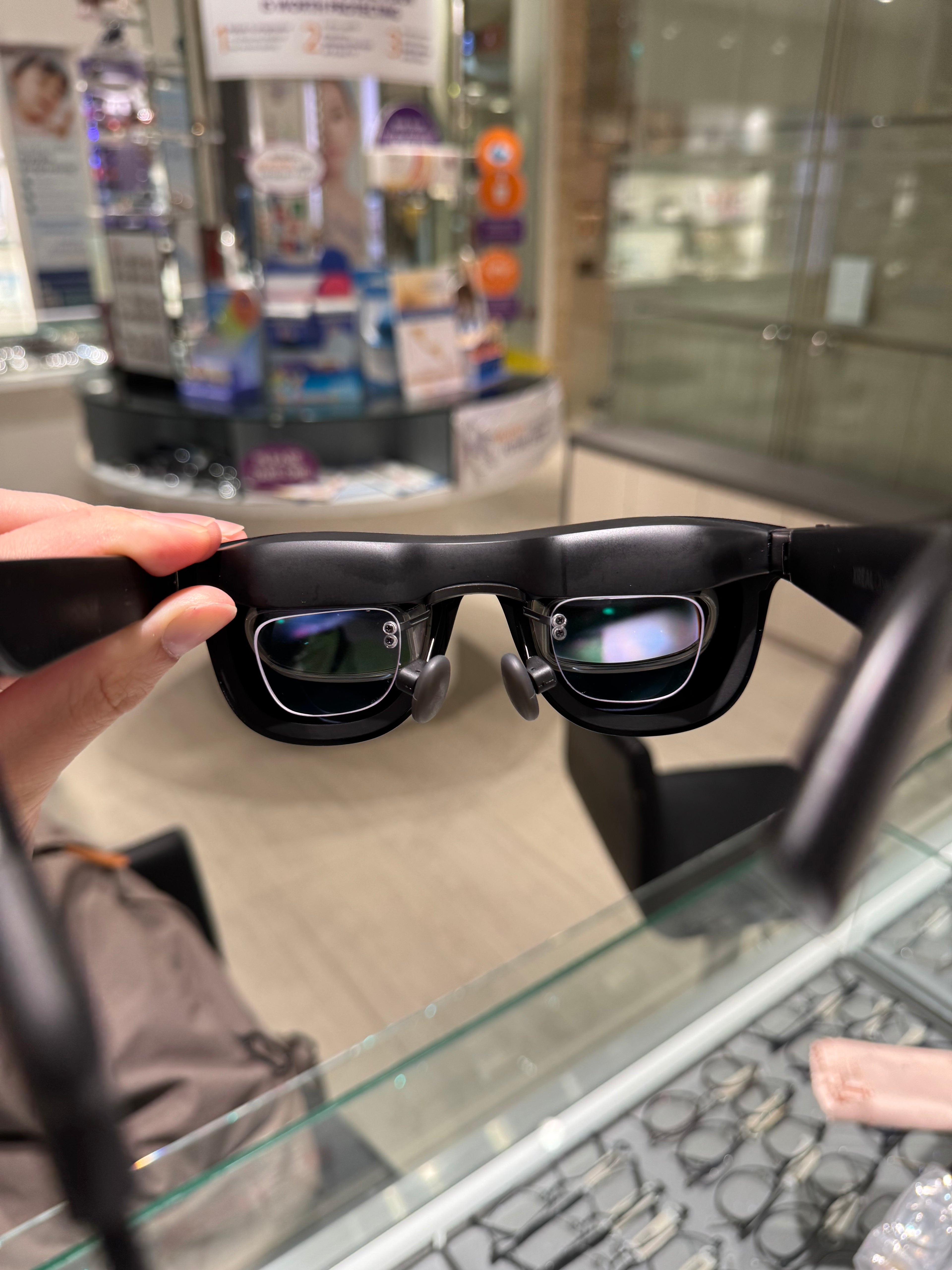
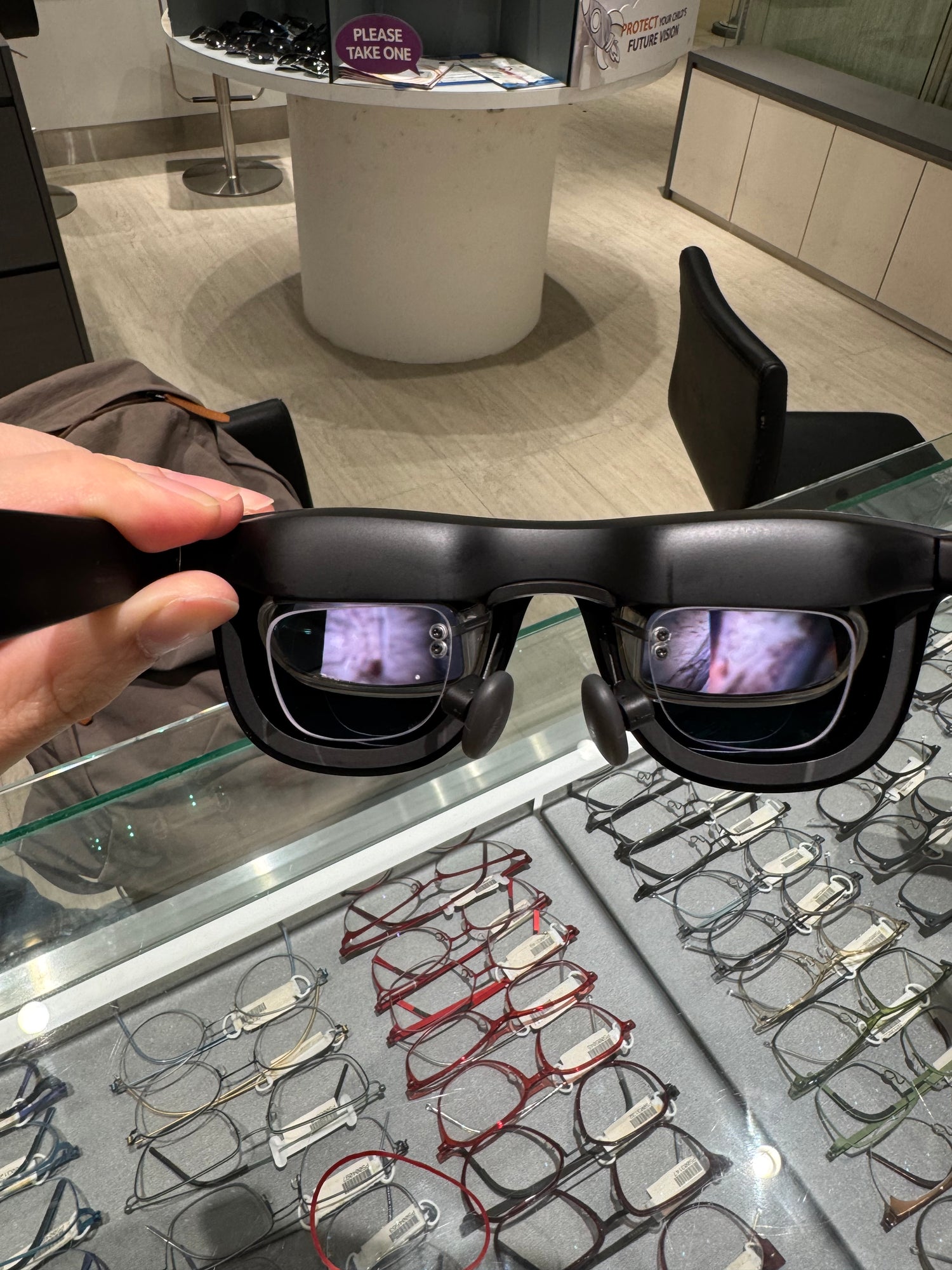
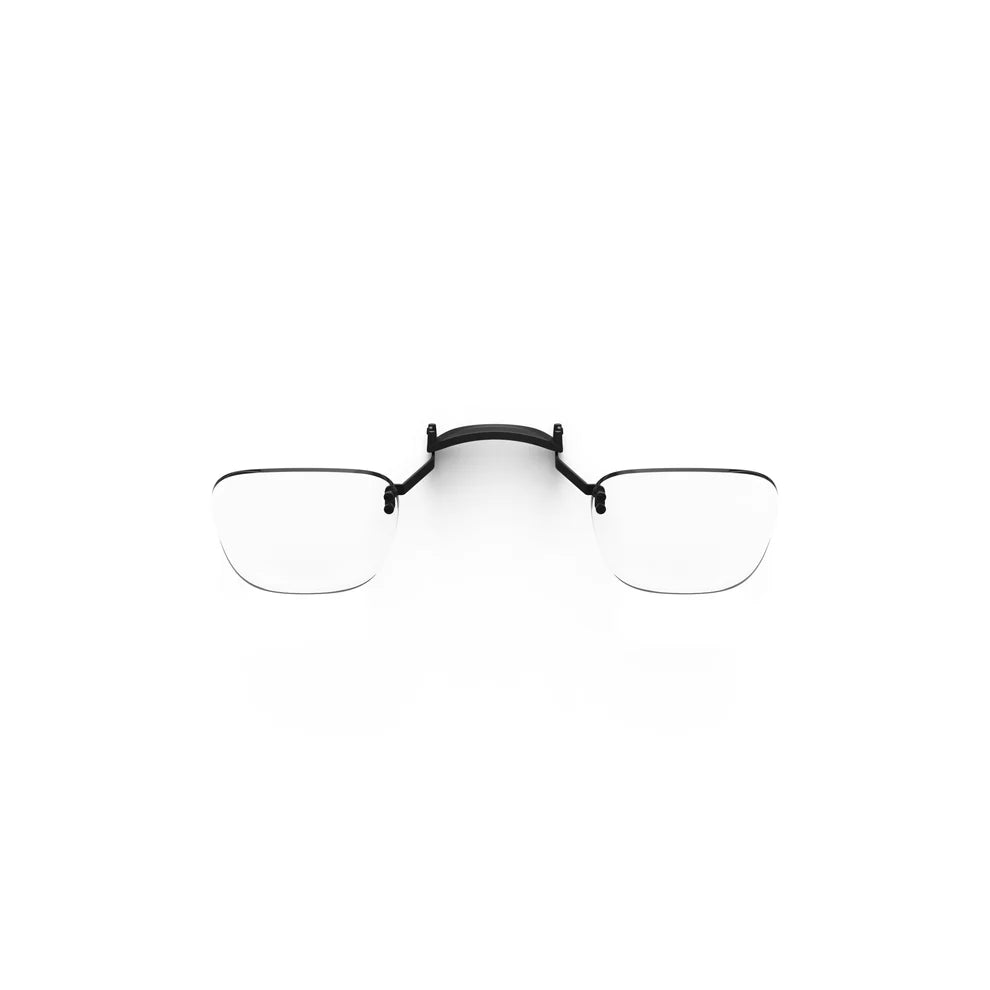
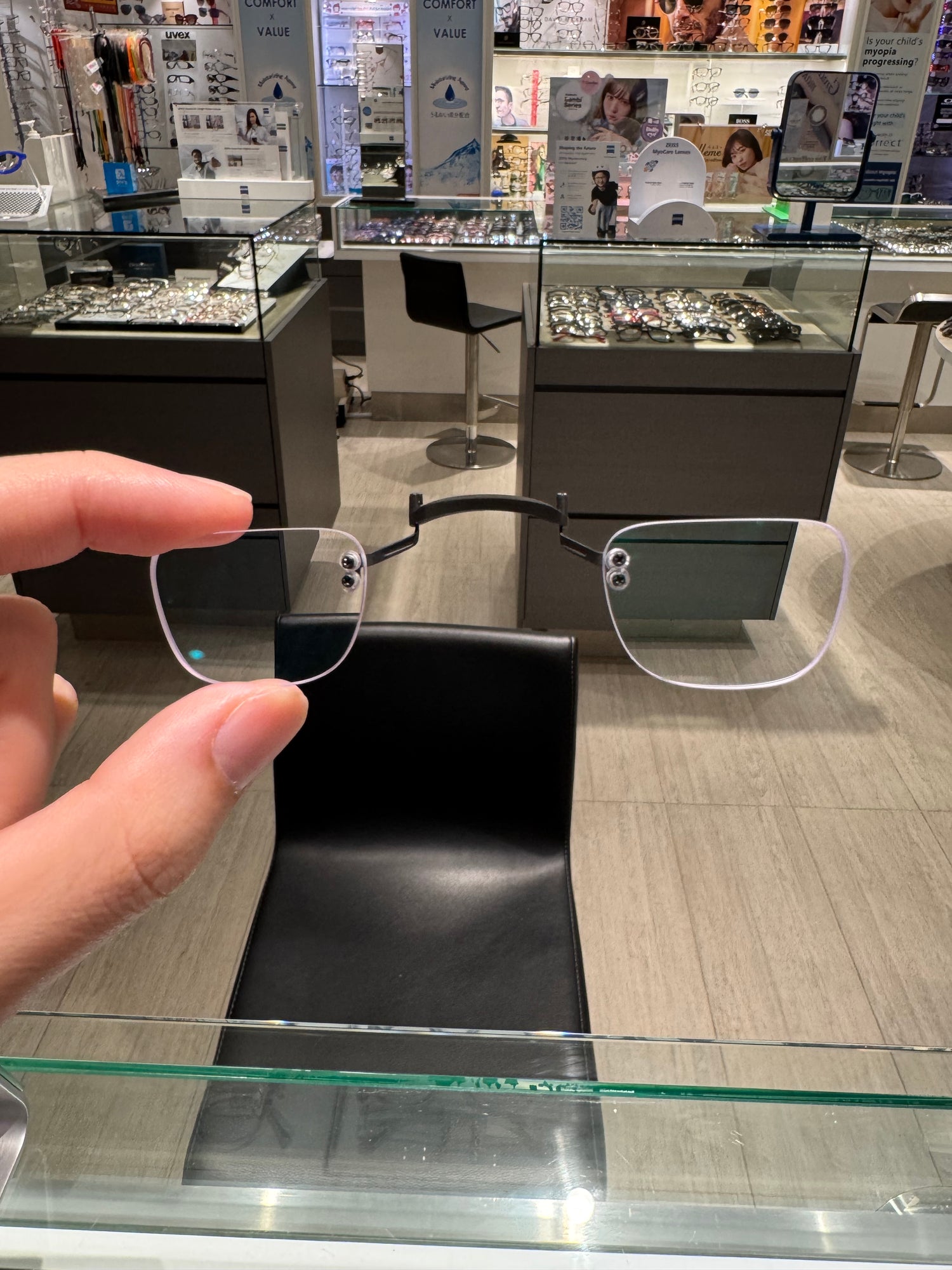
If you wear glasses and use a Meta Quest headset, prescription lens inserts can make VR more comfortable, practical, and easier to share. Instead of fitting your everyday glasses inside the headset, inserts place your prescription closer to the Quest lenses and are made for your headset model.
This guide explains what to look for when choosing prescription lenses for Meta Quest 3, Meta Quest 3S, or Meta Quest 2, including compatibility, prescription details, lens options, and installation.
Do Meta Quest 3, Quest 3S, and Quest 2 use the same prescription lenses?
No. Meta Quest headsets have different optical housings and lens frames, so prescription inserts should be ordered for the exact model you own. Quest 3 and Quest 3S are different headset models and use different lenses. Quest 3 uses Pancake lenses, while the Quest 3S uses Fresnel lenses, similar to the Quest 2. Because of this, however, Meta Quest 3S and Quest 2 use the same prescription lenses.
Before ordering, check the model name in your headset settings or on the original packaging. If you are unsure, compare the headset with the model information provided by the manufacturer. Choosing the correct model helps the inserts fit securely without interfering with the headset’s built-in lens spacing or facial interface.
Browse the Meta Quest prescription lens collection to see the options available for your headset.
Why use prescription lens inserts with Meta Quest?
- More comfortable sessions: Avoid squeezing your glasses between your face and the headset facial interface.
- A cleaner fit: Inserts are shaped for the headset and sit in front of the built-in optics.
- Less lens contact: A dedicated insert can help keep your everyday glasses away from the headset lenses.
- Easy sharing: If multiple people use the headset, you can remove inserts when you want to switch back to the standard setup without a prescription.
Prescription inserts do not change the headset’s display resolution or replace an eye examination. They are an optical accessory that helps the headset work with your prescription.
What prescription information do you need?
Use your most recent eyeglasses prescription when ordering. The important details usually include your sphere (SPH), cylinder (CYL), axis, and pupillary distance (PD), when available. Some prescriptions also include an add value for reading or multifocal correction.
VR inserts are generally made for distance viewing, so do not guess if your prescription is complex or has special instructions. If your prescription has prism, significant differences between your eyes, or an additional correction, contact us before ordering.
Your contact lens prescription is not the same as your glasses prescription. Use the prescription intended for spectacles, and make sure it is still current.
Should you choose the 1.6 high-index, or the 1.67 very high index option?
For many prescriptions, the 1.6 standard lens index is a sensible starting point. Higher-index lenses, such as our 1.67 index lenses, can help with stronger prescriptions by reducing edge thickness and keeping the insert profile more compact. The best choice depends on your prescription and the available options for your specific Quest model.
Our lenses all include anti-blue-light filters. This helps to reduce fatigue when looking through the screen for prolonged periods of time.
How to install prescription lenses in a Meta Quest headset
- Clean the headset’s built-in lenses with a suitable microfibre cloth.
- Identify the left and right prescription inserts.
- Align each insert with the corresponding headset lens frame.
- Press gently until the insert is seated securely. Do not force it if the alignment feels wrong.
- Put on the headset and adjust the facial interface or eye-relief setting for a comfortable view.
Keep the headset and inserts clean, and store the inserts in their case when not in use. Avoid placing the headset face-down on a surface where the lenses may be scratched.
How do you order the right Meta Quest prescription lenses?
Start by confirming your exact headset model, then prepare your current glasses prescription. Enter the prescription details according to your prescription (SPH, CYL and AXIS), and review the order before submitting it. If you are unsure which information belongs in a field, reach out so we can advise you.
For a smooth fit, the model and prescription both matter. A correct prescription on the wrong headset model may not fit, while the correct model with incomplete prescription details can delay production.
Quick checklist before you buy
- Confirm whether you have Meta Quest 3, Quest 3S, or Quest 2.
- Use a current glasses prescription, not a contact lens prescription.
- Have SPH, CYL, axis, and PD details ready when applicable.
- Choose lens material and coatings based on your prescription and preferences.
- Review the model and prescription details before checkout.
With the right model and prescription, lens inserts are a straightforward way to make regular VR sessions more comfortable. Do contact us, VR Optics Asia, if you need help checking compatibility!